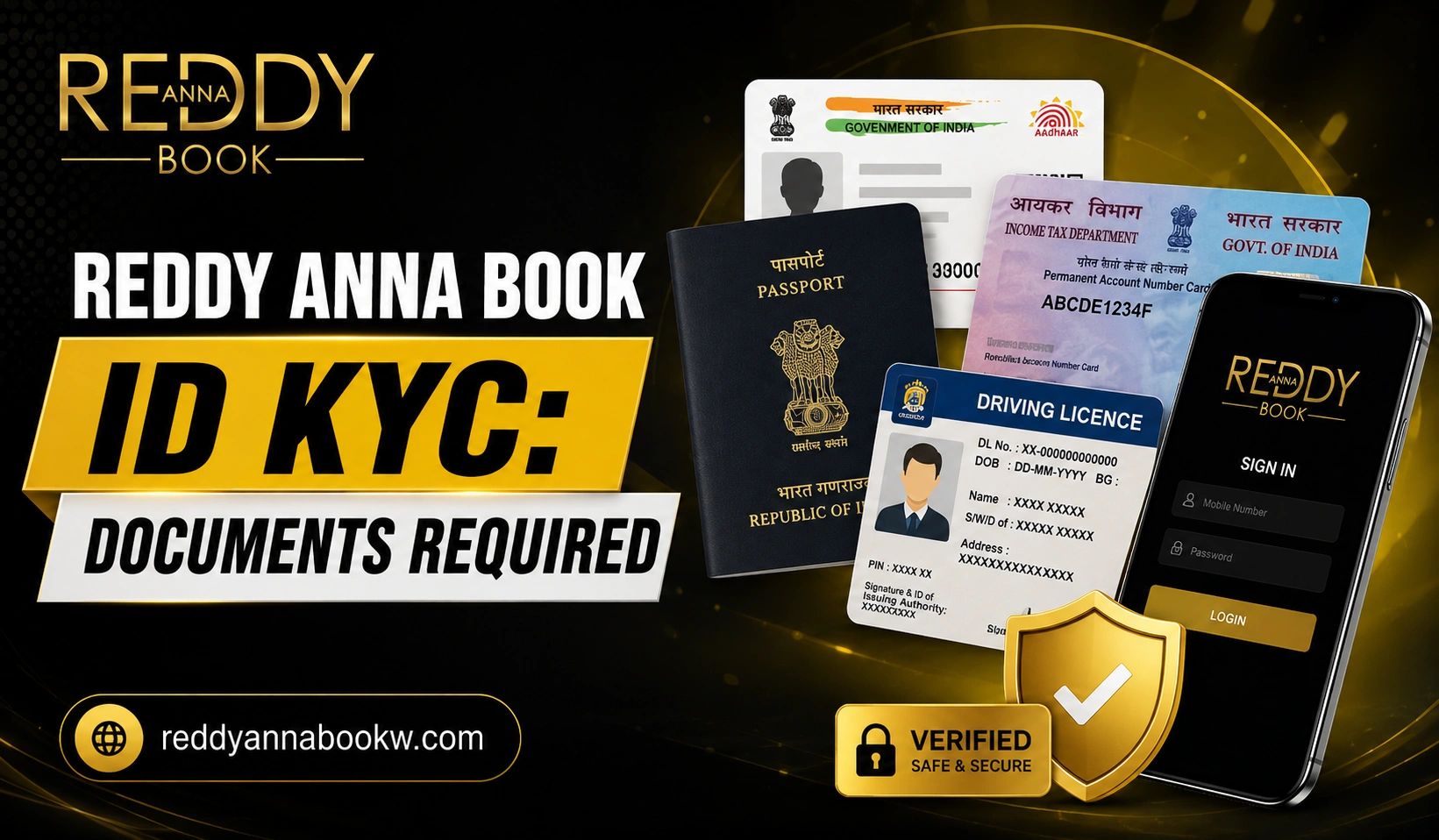

Creating a Reddy Anna Book ID is your first step to accessing sports betting and casino games. However, to fully secure your account and process transactions smoothly, you will eventually need to complete KYC (Know Your Customer) verification.
KYC might sound complicated, but it is actually a simple process. It proves that you are the real owner of the account, which protects your funds and personal information.
This guide explains exactly what KYC is, which documents you need, and how to get approved without delays.
What is KYC Verification?
KYC stands for “Know Your Customer.” It is a standard identity verification process used by online platforms to confirm who is using the account.
Instead of allowing anonymous access, KYC verifies your name, age, and contact details. This creates a safer environment for everyone and makes it easier to prove account ownership if you ever need help from support.
Why is KYC Important?
Completing KYC is highly beneficial for your account security. It helps with:
- Confirming that you are the true account owner
- Improving overall account protection
- Making password recovery easier
- Preventing unauthorized access to your funds
When is KYC Required?
Not everyone is asked to verify immediately. You may be asked to complete KYC:
- Shortly after creating your account
- Before processing your first withdrawal
- During a routine security check
- When updating important personal details
Documents You Need for KYC
Having your documents ready before you start makes the process much faster. You will typically need:
1. Identity Proof (Must include your photo and full name)
- Aadhaar Card
- PAN Card
- Passport
- Driving Licence
- Voter ID
2. Address Proof (Must show your current residential address)
- Aadhaar Card
- Passport
- Recent Utility Bill (Electricity, Gas, Water)
- Bank Statement
3. Registered Mobile Number
Keep your phone nearby, as you will likely need to enter an OTP to confirm your identity.
4. Bank Account Details
Sometimes requested to verify that the bank account used for withdrawals belongs to you.
Step-by-Step KYC Process
Step 1: Log In Safely
Go to the official Reddy Anna Book website and log in. Always verify the URL before entering your User ID and password.
Step 2: Find the Verification Section
Navigate to your Account Settings or Profile. Look for a button labeled “KYC,” “Verification,” or “Account Verification.”
Step 3: Upload Your Documents
Take clear photos of your ID and address proof. Upload them to the correct fields. Make sure the entire document is visible.
Step 4: Double-Check Your Information
Before submitting, ensure the name, date of birth, and document numbers you type in match your documents exactly. Even a small typo will cause a rejection.
Step 5: Submit and Wait
Click submit. Do not upload the same documents repeatedly, as this can slow down the review queue. Just wait for the platform to process your request.
Tips for Faster Verification
- Use good lighting when taking photos of your ID.
- Keep the document flat and avoid shadows.
- Ensure all text is perfectly readable.
- Do not crop or edit the image.
Common Mistakes to Avoid
Most KYC delays are caused by simple, avoidable errors:
- Blurry Images: If the text cannot be read, verification will be rejected.
- Typos: Your name and date of birth must match your ID card exactly.
- Expired Documents: Check the expiry date on your ID before uploading.
- Using Someone Else’s ID: You can only use documents that belong to you.
- Submitting Multiple Times: Uploading the same files repeatedly will not speed up the process; it may actually slow it down.
What Happens If Verification Fails?
If your KYC is rejected, do not panic. Read the reason provided carefully. Usually, it is because an image was blurry or a number was typed incorrectly. Correct the specific issue and resubmit.
Protect Your Personal Documents
Your ID cards contain sensitive information.
- Only upload documents through the official Reddy Anna Book website.
- Never send photos of your IDs via WhatsApp, Telegram, or email to anyone claiming to be support.
- Store digital copies of your documents securely.
Keep Your Account Information Updated
If your phone number, email address, or bank details change in the future, update them through the official platform immediately. Accurate information makes future verification much easier.
Security Tips During KYC
✔ Only use the official Reddy Anna Book website.
✔ Never share your password or OTP.
✔ Verify the website URL before uploading sensitive documents.
✔ Contact official support if you receive suspicious messages asking for your KYC documents.
Frequently Asked Questions
What does KYC mean?
KYC stands for Know Your Customer. It is a process to verify your identity using official government documents.
Which documents are accepted?
Commonly accepted documents include the Aadhaar Card, PAN Card, Passport, Driving Licence, and Voter ID.
Can I upload a cropped or edited photo of my ID?
No. You must upload a clear, unedited photo of the complete original document.
Why is my verification taking so long?
Delays are usually caused by blurry images, incorrect information, or a high volume of verification requests. Ensure your submission is accurate.
Is it safe to upload my documents online?
Yes, as long as you are uploading them strictly through the official Reddy Anna Book website. Never send them through third-party channels.
Final Thoughts
Reddy Anna Book KYC verification is a simple but essential step to secure your account and enable smooth transactions. By preparing clear documents, double-checking your details, and avoiding common mistakes, you can get approved quickly. Always prioritize your security by using only the official website for all verification steps.
Also Read: